
 English
 EN
EN FRENCH
 繁体中文
繁体中文





How to Set Up Static Residential Proxies in a Fingerprint Browser
Learn how to configure static residential proxies and SOCKS5 protocols in a fingerprint browser to ensure stable browser sessions and compliant multi-account management.

Why Use a Proxy with a Fingerprint Browser
A fingerprint browser creates separate profiles with independent cookies, settings, and session data. Connecting a proxy also gives each profile a defined network location for regional testing and approved account management.
Static residential proxies are useful when a profile needs to keep the same IP for a longer period. They can support website testing, market research, ad verification, and stable browser sessions.
Proxy use should follow applicable laws, website terms, and platform policies. These tools should support legitimate business activities rather than attempts to bypass security controls.
Static Residential Proxies and Proxy Rotation
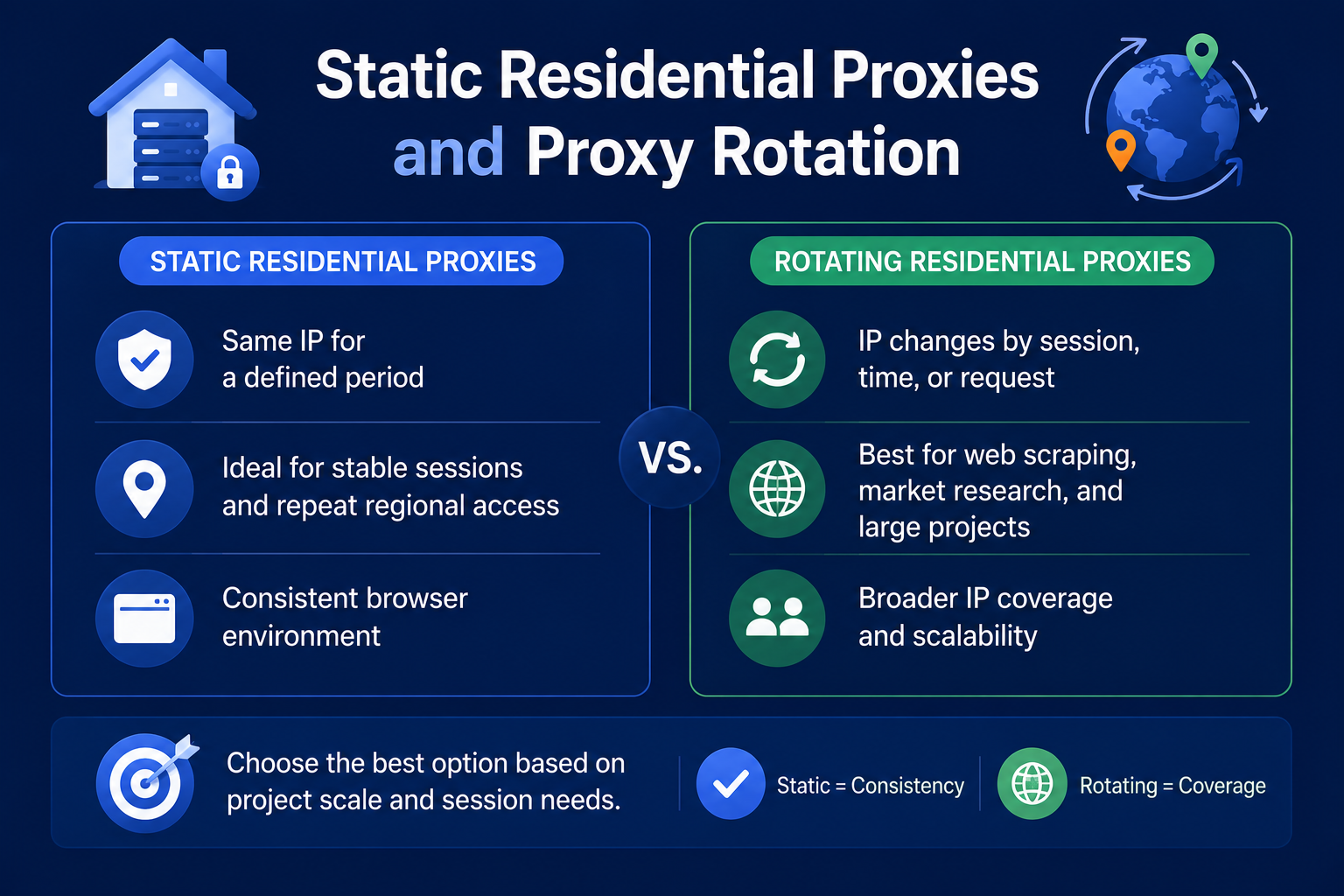
Static residential proxies provide an IP address that remains available for a defined period. They are suitable for stable sessions, repeat regional access, and consistent browser environments.
Proxy rotation changes the IP by session, time interval, or request. Rotating residential proxies are often better suited to web scraping, market research, and larger data collection projects.
Static proxies focus on consistency, while rotating proxies provide broader IP coverage. The best option depends on the scale and session requirements of the project.
How to Configure a Proxy in a Fingerprint Browser
Create a new browser profile and open the proxy settings. Select HTTP, HTTPS, or SOCKS5, then enter the host, port, username, and password provided by Swiftproxy.
Run the browser's proxy test before opening the profile. Confirm that the connection works and that the detected region matches the selected proxy location.
For better regional consistency, align the browser language, time zone, and location settings with the proxy region. Use a static residential proxy when the project requires a long-term IP address.
How to Use a SOCKS5 Proxy
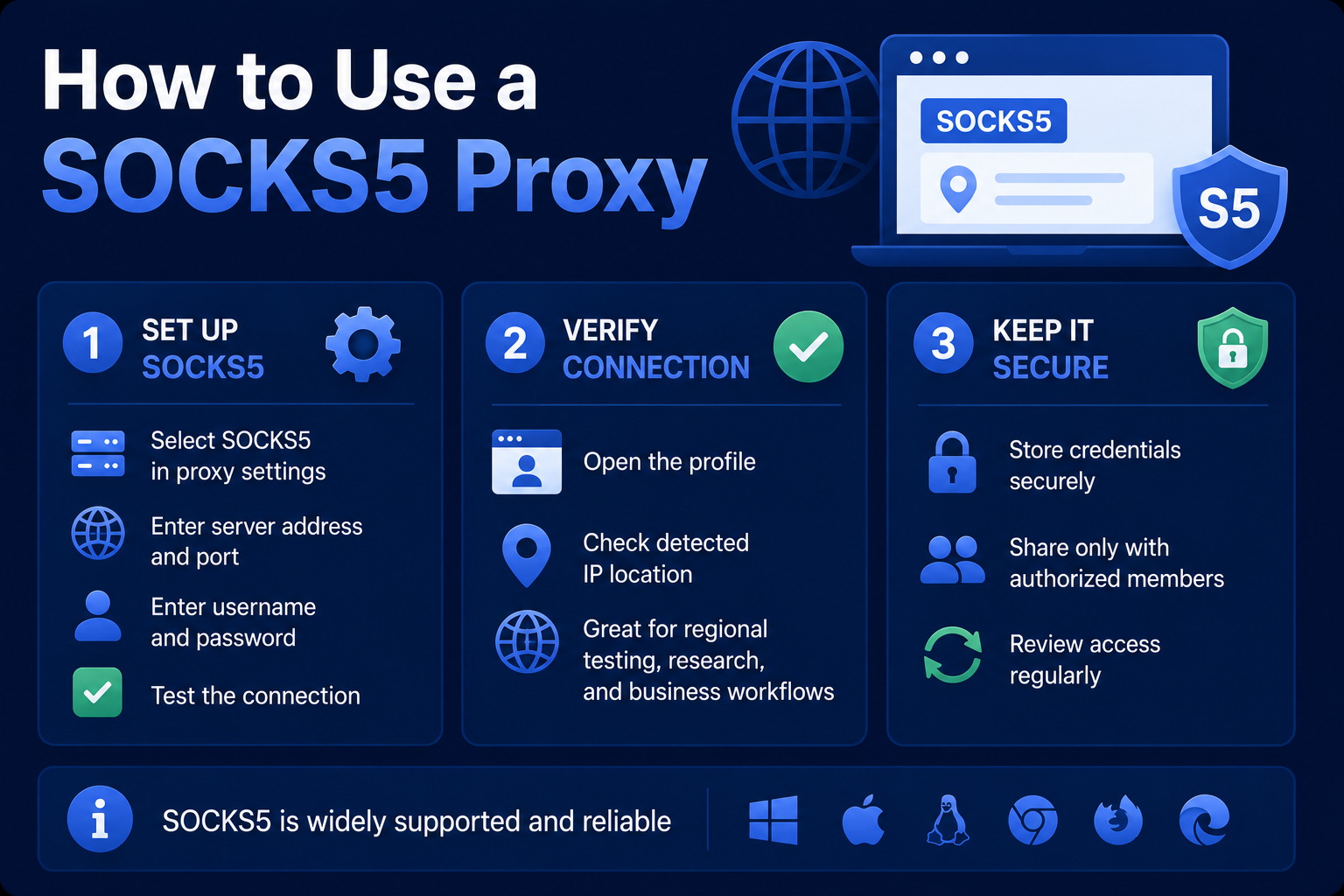
Select SOCKS5 in the browser's proxy settings. Enter the server address, port, username, and password, then test the connection.
After the test succeeds, open the profile and check the detected IP location. SOCKS5 is widely supported and works well for regional testing, research, and approved business workflows.
Proxy credentials should be stored securely and shared only with authorized team members. Access should be reviewed regularly.
Best Practices for Multi-Account IP Management
Businesses may use multiple browser profiles for client accounts, regional teams, customer support, or approved brand operations. Each profile should have a clear purpose and appropriate access permissions.
When permitted by the platform, a dedicated static residential IP can be assigned to each profile. This can make account activity easier to organize and review.
Keep browser settings consistent with the selected proxy region. Avoid using proxies to create deceptive identities, bypass restrictions, or interfere with platform security.
Residential Proxies for Market Research and Ad Verification
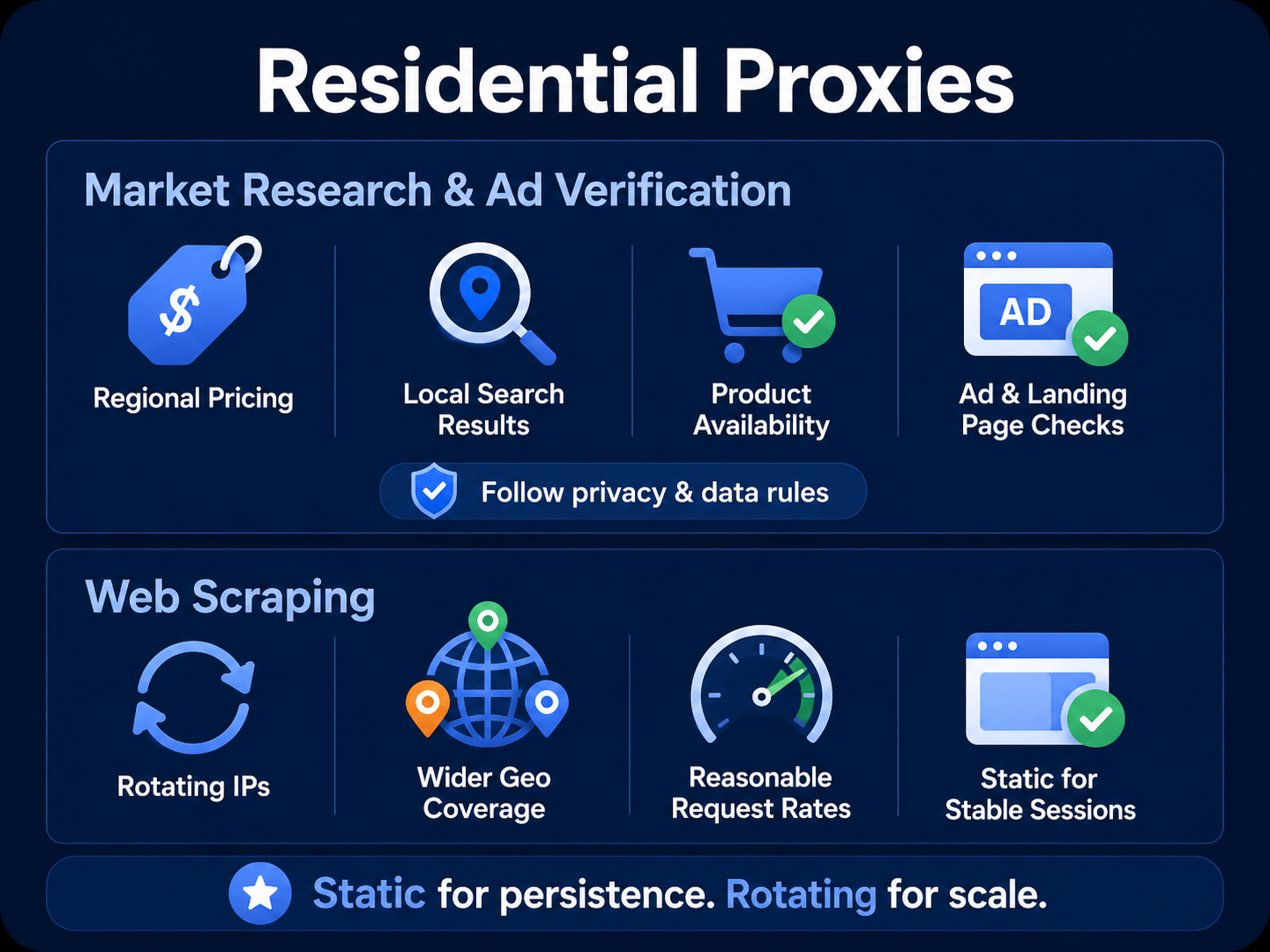
Residential proxies can help businesses review regional pricing, search results, product availability, and localized website content. This can support market comparisons across different countries or regions.
For ad verification, teams can check whether ads appear in the intended locations and whether landing pages load correctly. These checks can improve campaign quality and regional visibility.
Collected information should be handled in accordance with privacy rules, contractual requirements, and data protection laws.
Residential Proxies for Web Scraping
Rotating residential proxies can support web scraping projects that collect public information across multiple regions. They distribute requests across a larger IP pool and provide broader geographic coverage.
Request rates should remain reasonable and should not disrupt website services. Scraping activities should follow website terms and avoid restricted or protected content.
Static residential proxies may be useful when a project needs a persistent session. Rotating proxies are generally better for larger projects that require scale and wider coverage.
Choosing the Right Proxy Type
Static residential proxies are better suited to stable sessions, long-term testing, and approved account administration. Their main advantage is consistent IP access.
Rotating residential proxies are more suitable for market research, web scraping, and projects that require a wider IP pool. They provide more flexibility when a fixed IP is not necessary.
Consider session duration, target locations, request volume, and platform rules before selecting a proxy. Matching the proxy type to the task can improve reliability and efficiency.
Final Thoughts
Setting up a proxy in a fingerprint browser involves selecting a protocol, entering the proxy credentials, testing the connection, and checking the assigned region. Static residential proxies are useful for stable sessions, while rotating proxies are better for broader research and data collection.
Swiftproxy residential proxy solutions can support regional testing, approved account management, market research, and ad verification. All use should remain aligned with applicable laws, website terms, and platform policies.
About the author
 Top-tier residential proxy solutions
 {{item.title}}
Related articles

 499
499


- Please provide your account number, or email address.
- Provide videos or screenshots, and simply describe the problems you are facing.
- Our staff will reply to your message within 24 hours.



