
 English
 EN
EN FRENCH
 繁体中文
繁体中文





How to Fix Amazon “Sorry, Something Went Wrong on Our End”
Learn how to troubleshoot the Amazon "Something Went Wrong" error, optimize request frequency, and use residential proxies for reliable eCommerce data collection.

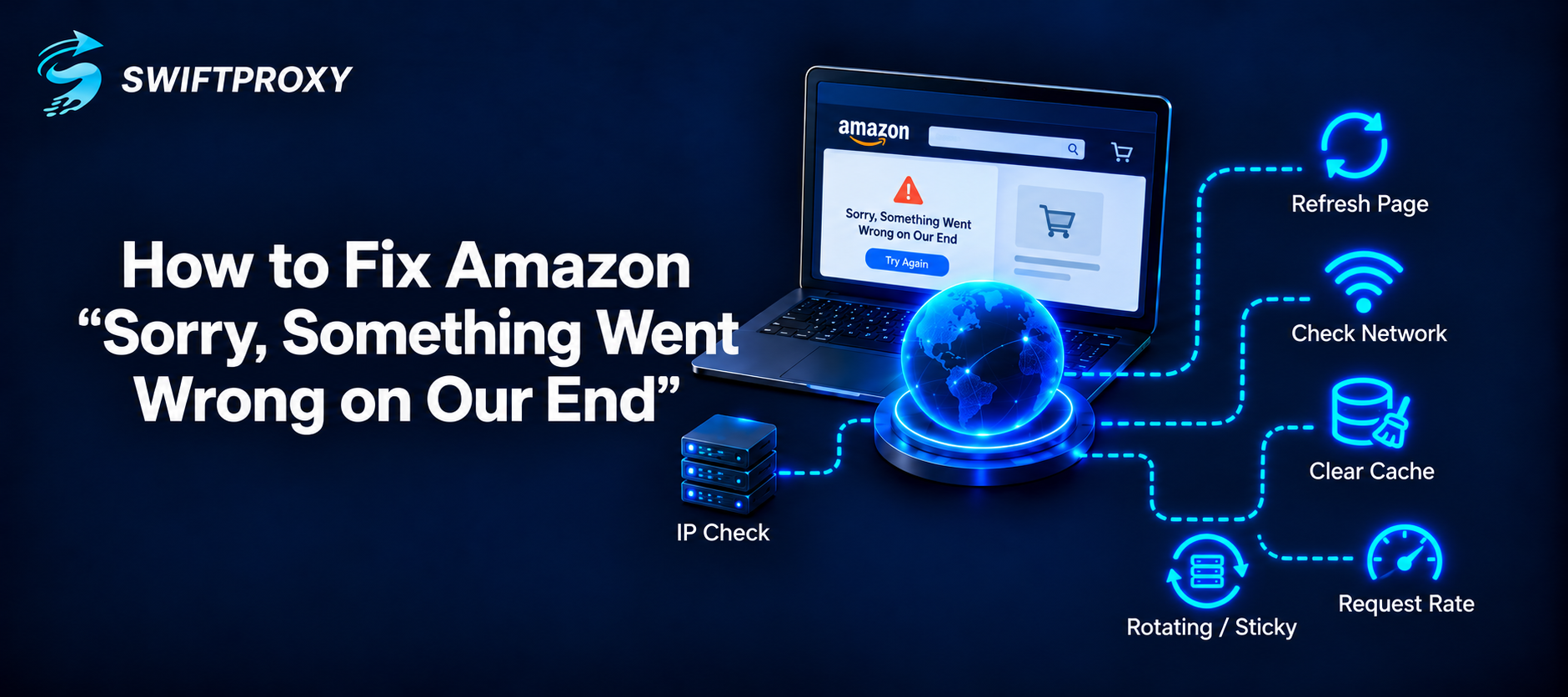
Amazon’s “Sorry, something went wrong on our end” message can appear for several reasons. It may be caused by a temporary Amazon issue, a poor internet connection, browser problems, regional restrictions, or too many requests coming from the same IP address.
For regular users, the problem is often temporary. For businesses collecting public Amazon data, repeated errors may point to request frequency, IP reputation, or proxy quality.
What Does “Sorry, Something Went Wrong on Our End” Mean on Amazon?
This message appears when Amazon cannot successfully load or process a request. Although the wording suggests that the problem is on Amazon’s side, that is not always the case.
The same error may appear because of browser issues, network instability, an invalid URL, regional availability, or unusual request activity. The right solution depends on how you are accessing Amazon.
Why Does Amazon Say Something Went Wrong?
Several issues can trigger the same error page, including:
- Temporary Amazon server errors
- Slow or unstable internet connections
- Expired cookies or browser cache
- Invalid or outdated Amazon URLs
- Geographic restrictions
- Too many requests from one IP
- Poor IP reputation
- Unstable or restricted proxy servers
If the error happens once, it may simply be temporary. If it appears repeatedly across multiple Amazon pages, your network or IP address may be involved.
How to Fix the Amazon “Something Went Wrong” Error
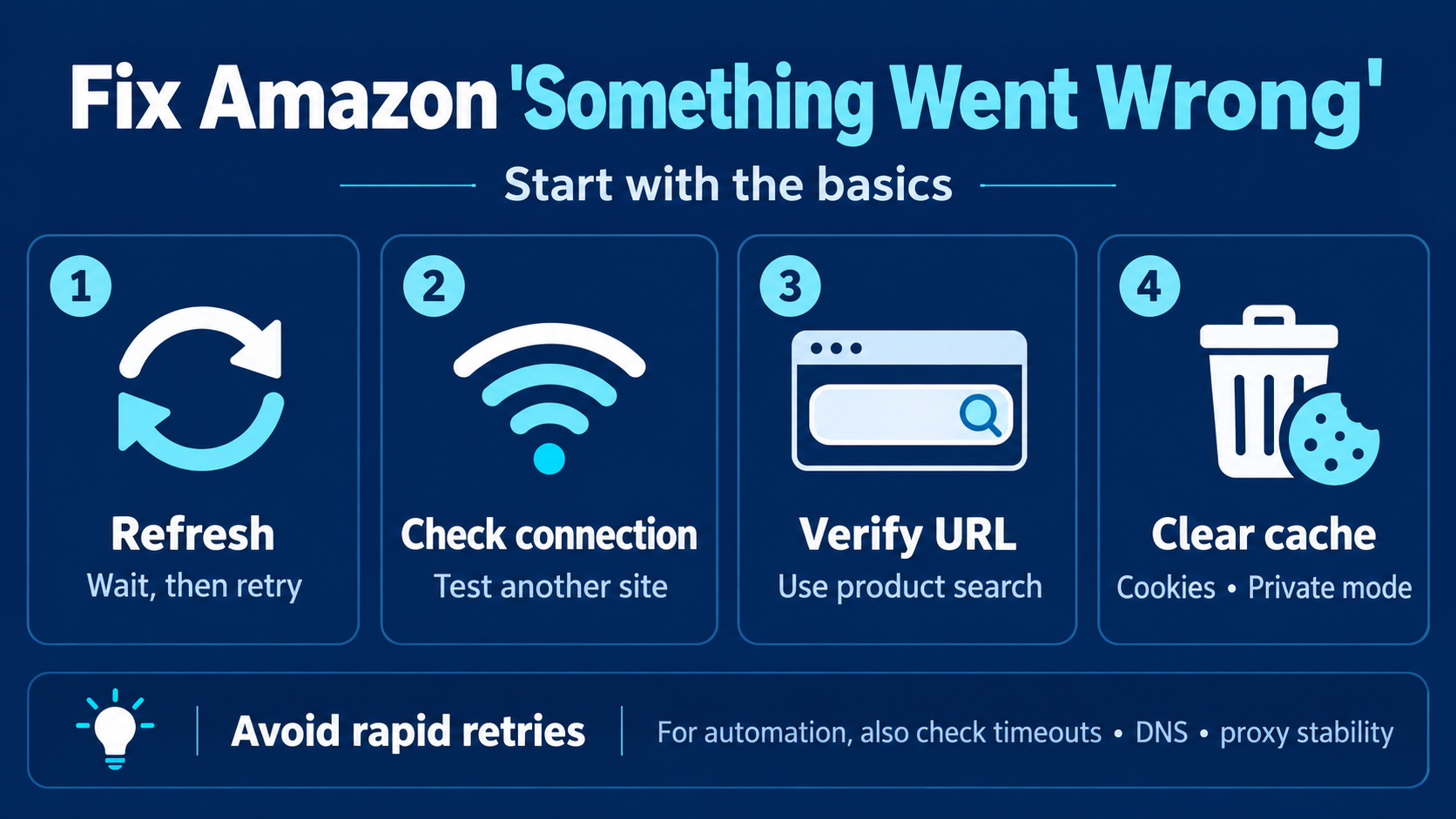
Start with basic troubleshooting before changing your proxy or scraping setup.
1. Refresh the Amazon Page
Reload the page and wait a short time before trying again. Temporary Amazon errors often disappear on their own.
Avoid refreshing the page too aggressively, especially during automated workflows, as repeated requests may create additional access issues.
2. Check Your Internet Connection
Make sure your connection is stable by testing another website or switching networks. If multiple websites are slow, the issue is likely related to your connection rather than Amazon.
For automated tools, also check for timeouts, DNS failures, or unstable proxy endpoints.
3. Verify the Amazon URL
Old or malformed URLs can lead to error pages. Try searching for the same product directly on Amazon instead of using an old bookmark or saved link.
For automated data collection, storing product identifiers such as ASINs can make it easier to rebuild valid URLs when needed.
4. Clear Browser Cache and Cookies
Old cookies or cached files can interfere with Amazon sessions. Try opening the page in private browsing mode or clearing Amazon-related browser data.
If the page works in private mode, your existing session or a browser extension may be causing the issue.
Request Frequency Can Matter
Sending too many requests from the same IP within a short period can increase the chance of failed requests, throttling, or additional verification.
For automated Amazon data collection, use reasonable delays, limit unnecessary retries, reduce duplicate requests, and control concurrency. Businesses handling larger Amazon data workloads can also use dedicated Amazon proxies to distribute requests across suitable proxy IPs.
Check Whether Your IP Address Is the Problem
Try opening the same Amazon page from another network. If it works elsewhere but repeatedly fails from your original connection, the IP address may be part of the problem.
For large-scale workflows, switching to a reliable proxy network can provide more control over IP rotation and geographic access. However, proxy use should still be combined with reasonable request rates and proper error handling.
Why Residential Proxies Are Commonly Used for Amazon Data
Residential proxies use IP addresses associated with residential internet networks. This makes them useful for public eCommerce data collection, regional research, price monitoring, and other location-sensitive workflows.
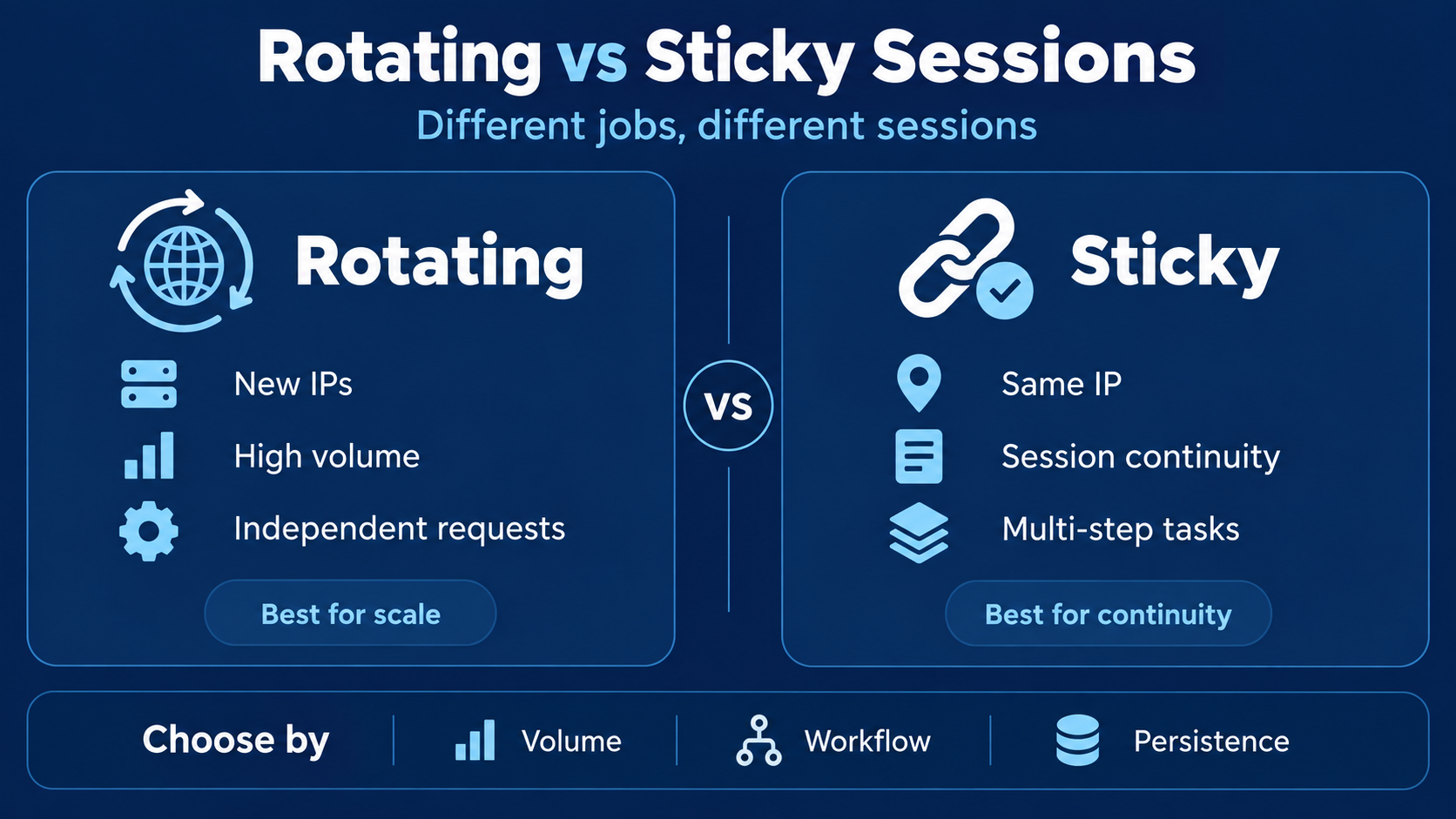
Swiftproxy residential proxies support both rotating and sticky sessions. Rotating sessions can distribute requests across different IPs, while sticky sessions help maintain the same IP when session continuity is important.
Proxy rotation should still be combined with controlled request rates and sensible retry logic.
Rotating and Sticky Sessions Serve Different Purposes
Rotating proxies assign different IP addresses across requests and are useful for large-scale, independent page collection. Sticky sessions keep the same IP for a period of time and are better suited to workflows that require continuity.
There is no single best option for every task. The right session type depends on your request volume, workflow design, and whether the application needs a persistent session.
What to Do When Amazon Errors Appear During Web Scraping
If Amazon errors appear frequently during scraping, avoid blindly retrying the same request. First determine whether the problem comes from the target URL, network connection, proxy IP, region, or request rate.
Useful data to log includes:
- Response status
- Requested URL
- Timestamp
- Proxy endpoint
- Retry count
If failures drop when concurrency is reduced, the request rate may be too high. If errors consistently follow certain IPs, proxy quality may be the bigger issue.
For larger data collection projects, Swiftproxy web scraping proxies provide residential proxy infrastructure with rotating and sticky sessions and geographic targeting.
How to Reduce Amazon Access Errors in the Future
A stable Amazon data workflow should minimize unnecessary requests and identify failures early. Use controlled concurrency, caching, intelligent retry rules, and monitoring to track which requests or IPs are producing errors.
It is also important to keep browsers, HTTP libraries, automation frameworks, and proxy integrations up to date. Reliable scraping usually depends on several small optimizations rather than one single fix.
When Should You Use a Proxy
You probably do not need a proxy because of one Amazon error. Refreshing the page, checking the network, or clearing browser data should come first.
A proxy becomes more useful when your business needs geographic access, repeated public-data collection, or larger-scale monitoring across many Amazon product pages. In these cases, proxy stability, location coverage, and session controls matter more than simply having a large number of IP addresses.
Final Thoughts
Amazon’s “Sorry, something went wrong on our end” message can be caused by server issues, unstable connections, browser data, invalid URLs, request frequency, geographic restrictions, or IP reputation.
For normal browsing, simple troubleshooting often solves the problem. For businesses collecting public Amazon data, better request management and reliable residential proxy infrastructure can help create a more stable workflow.
Frequently Asked Questions
Why does Amazon keep saying “Sorry, something went wrong on our end”?
The error can result from temporary Amazon issues, network problems, invalid URLs, browser data, geographic restrictions, or unusual request activity.
What is the Amazon dog page?
Amazon sometimes displays dog images on error pages. These pages simply indicate that Amazon could not serve the requested page normally.
Can clearing cookies fix the Amazon error?
Yes. Outdated or corrupted cookies can affect Amazon sessions, so clearing browser data or using private browsing may resolve the issue.
Can too many requests cause Amazon access errors?
Yes. High request volumes from one IP can increase the chance of throttling, additional verification, or failed requests.
Are residential proxies suitable for Amazon data collection?
Residential proxies can be useful for public eCommerce data collection, price monitoring, market research, and location-specific access.
Should I rotate my proxy IP on every Amazon request?
Not always. Rotating sessions are useful for independent requests, while sticky sessions are better when several related requests need the same IP.
About the author
 Top-tier residential proxy solutions
 {{item.title}}
Related articles

 512
512


- Please provide your account number, or email address.
- Provide videos or screenshots, and simply describe the problems you are facing.
- Our staff will reply to your message within 24 hours.



