
 English
 EN
EN FRENCH
 繁体中文
繁体中文





X(Twitter) Login Not Working in 2026? Full Solutions & Fix Guide
With the growing popularity of overseas applications, X (formerly Twitter) has become an essential tool for cross-border communication, information access, and social media marketing. However, as X continues to tighten its risk control mechanisms, users—especially those accessing from restricted network environments—often encounter various login issues such as account access failure, feature limitations, or "suspicious activity" warnings. To help you log in smoothly and keep your account secure, this article systematically outlines the most common X login problems, their causes, and practical solutions. It also provides essential account security tips to minimize future login disruptions.


Why Is Your X Account Not Working or Unable to Log In?
Login issues on X generally fall into three categories: network environment, app version, and account-related restrictions. These are also critical factors when using overseas platforms.
1. Network and Regional Restrictions
Due to access limitations in certain regions, users often rely on proxy services to connect to X. However, if the proxy node is unstable or the network quality is poor, login requests may fail or trigger security checks.
2. App Version Issues
An outdated app version or compatibility issues can also lead to login failures. For example, older versions may not match the latest API updates of the platform, resulting in errors during login.
3. Account Restrictions
X may temporarily restrict accounts flagged for unusual behavior, such as repeated incorrect password entries, third-party tool usage, or mass operations.
4. Device Fingerprint Flagged as Abnormal
X collects device information such as model and system version to generate a unique device fingerprint. If a device is flagged as suspicious, login attempts from that device may be blocked.
Different accounts may encounter different issues. To truly resolve login problems, it's important to analyze your specific situation and apply the appropriate solution.
Common X Login Issues and How to Fix Them
1. Google Login Fails
Some users choose "Log in with Google," but after authorizing, they get stuck on the login page instead of reaching the X homepage. This usually indicates slow network requests or a Google account authorization issue.
Solutions:
- Switch to a different network or IP and try logging in again
- Log into your Google account in a mobile browser (Chrome), then try X login
- Use your email and password directly to log in
2. Incorrect Username/Password
If the login page shows "Incorrect username/password," it could be due to input errors.
Solutions:
Ensure your username (starting with @) is entered correctly
Use the "Forgot password" option to reset your password
Log in with your registered email and password if applicable
3. App Login Fails but Web Login Works
If you can log in via the web but not the app, the issue may be app version or device fingerprinting.
Solutions:
- Update X via Google Play or App Store and clear app cache before retrying
- Try logging in on another device to avoid device-related restrictions
4. Username Verification Required
Sometimes X flags accounts for unusual activity and asks for identity verification. If the account isn't linked to a phone number and you forget your username, verification can't be completed.
Solutions:
- For email-registered accounts, click "Report a problem" → "Lost Access Help" and receive a verification code via email
- Check previous emails from X for account username information
Tips for Securing Your X Account
Once you regain access, it's important to protect your account for long-term stability.
- Link email/phone: Enables quick password recovery and verification code reception
- Enable two-factor authentication (2FA): Use SMS, authenticator apps, or security keys to enhance account security
- Regularly check app and login activity: Keep apps updated and monitor account activity to detect suspicious logins
- Maintain a stable login environment: Use the same network and device when possible
For teams managing multiple X accounts, DuoPlus Cloud Phones provide an ideal solution. With unlimited Android virtual devices and integration with Swiftproxy's high-quality global residential proxies, each environment has independent device parameters and network settings, significantly reducing account risk.
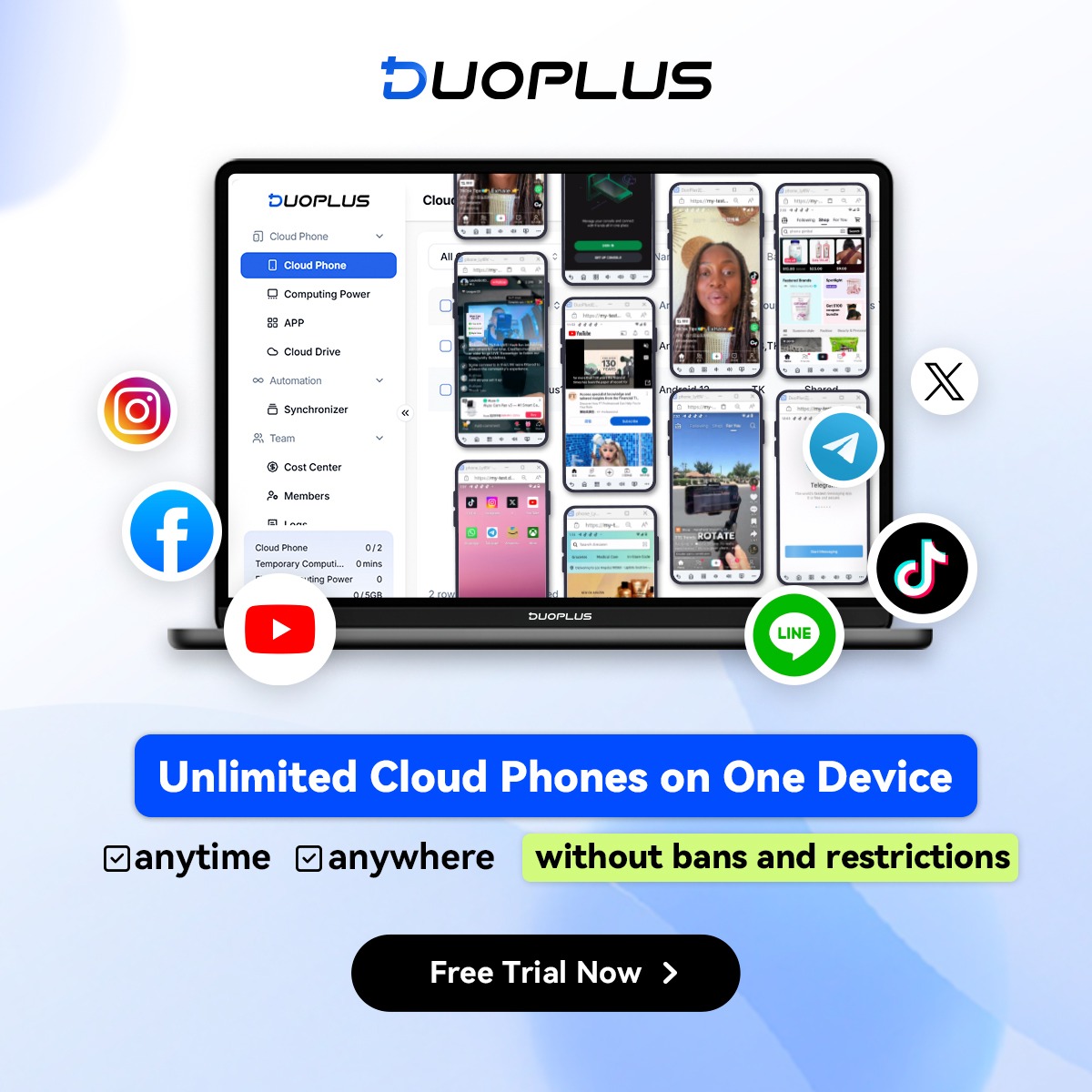
Whether for X, TikTok, Instagram, or Reddit, DuoPlus enables long-term, stable operation of multiple accounts, making it perfect for cross-border multi-account management.
About the author
 Top-tier residential proxy solutions
 {{item.title}}
Related articles

 519
519


- Please provide your account number, or email address.
- Provide videos or screenshots, and simply describe the problems you are facing.
- Our staff will reply to your message within 24 hours.



